$3.00
Splitter Splatter Splotchy - Magical Color-Shifting Splatter Brush for Procreate
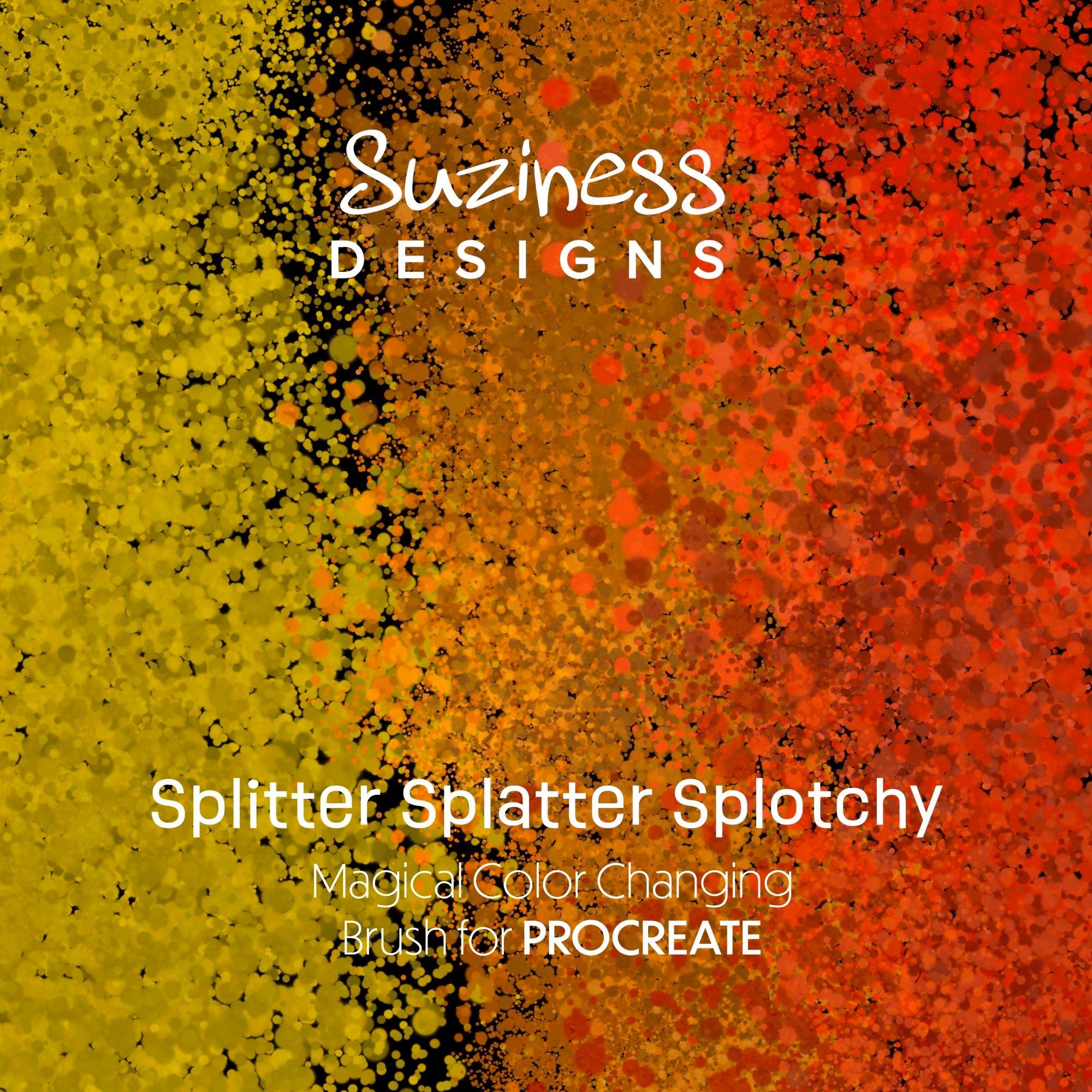
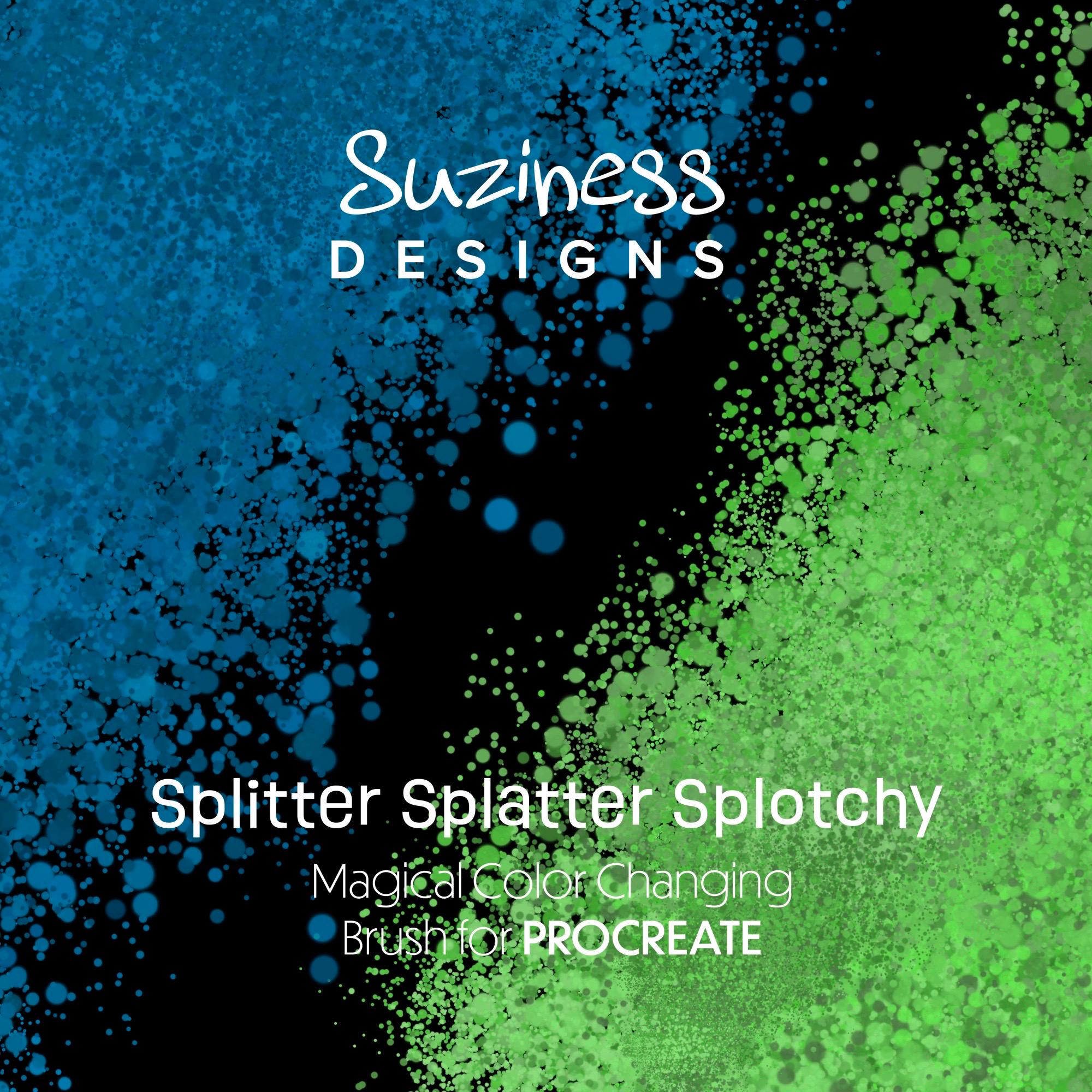
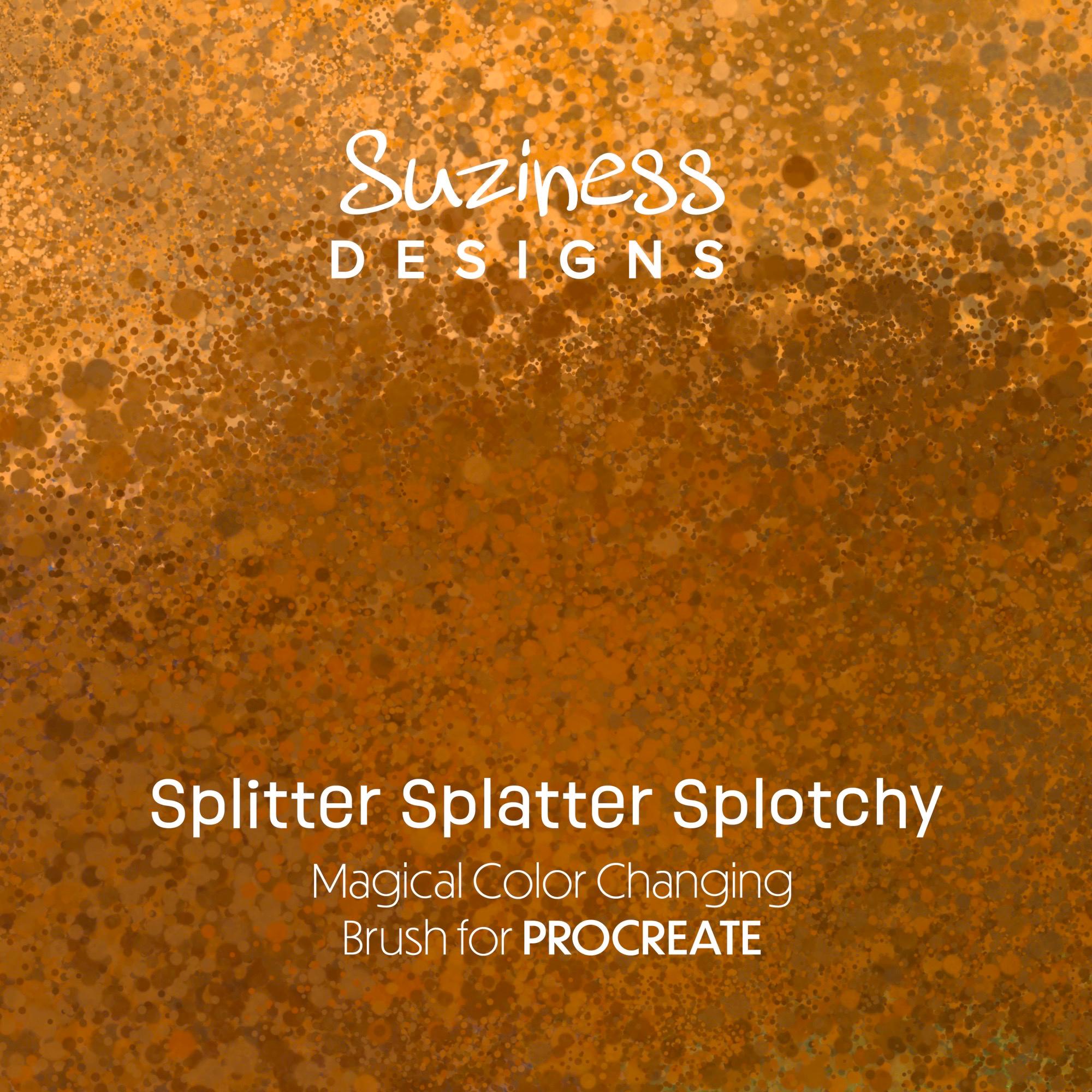
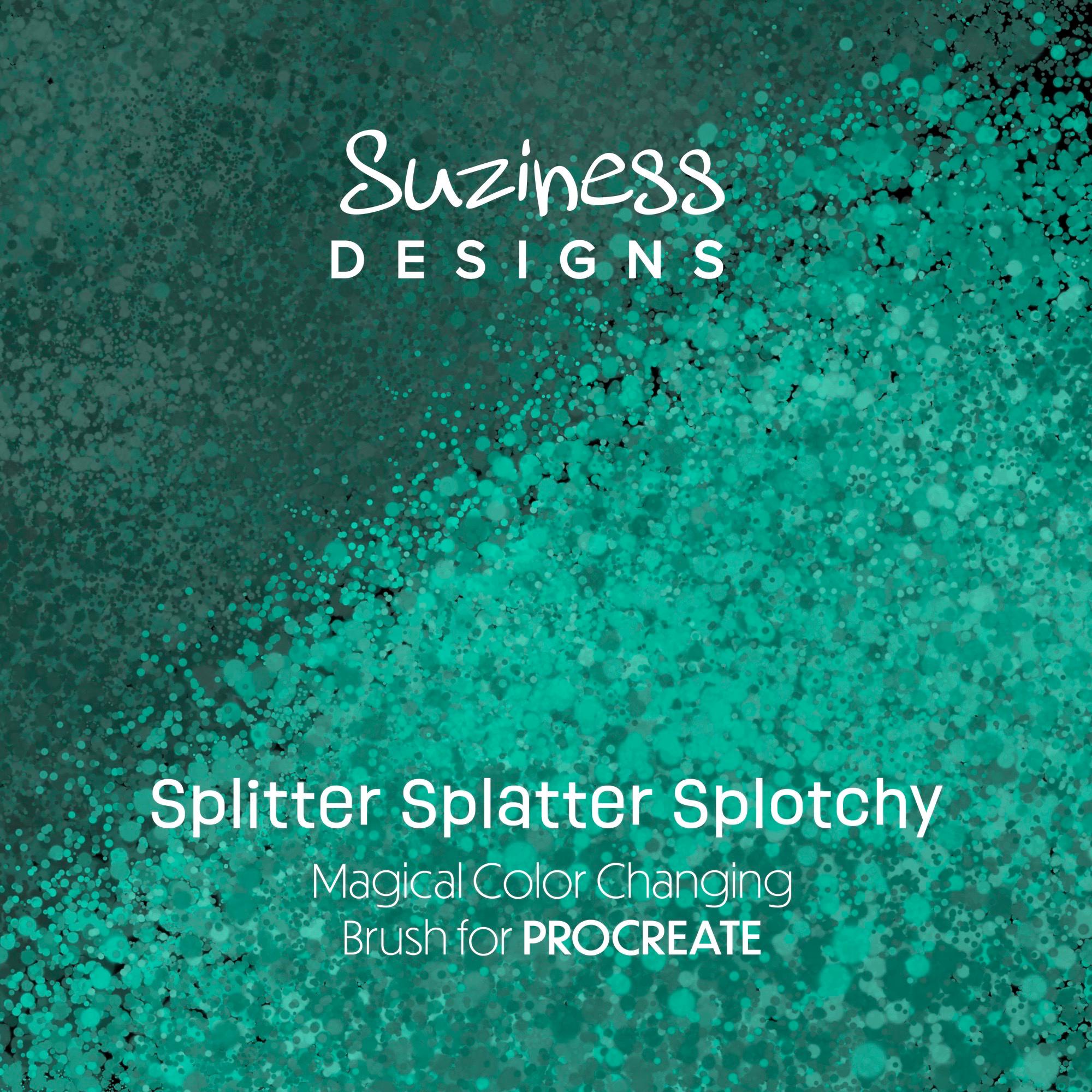
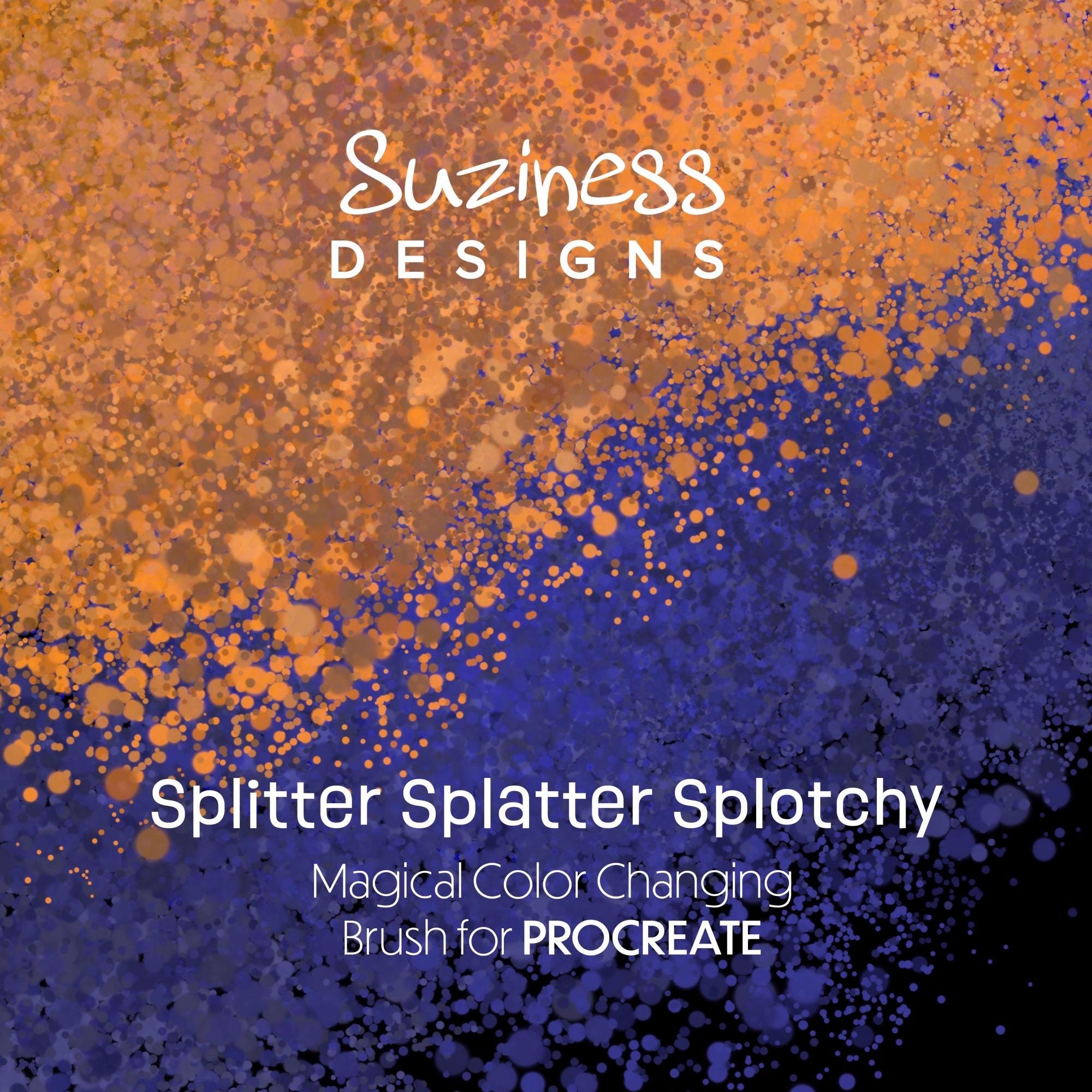
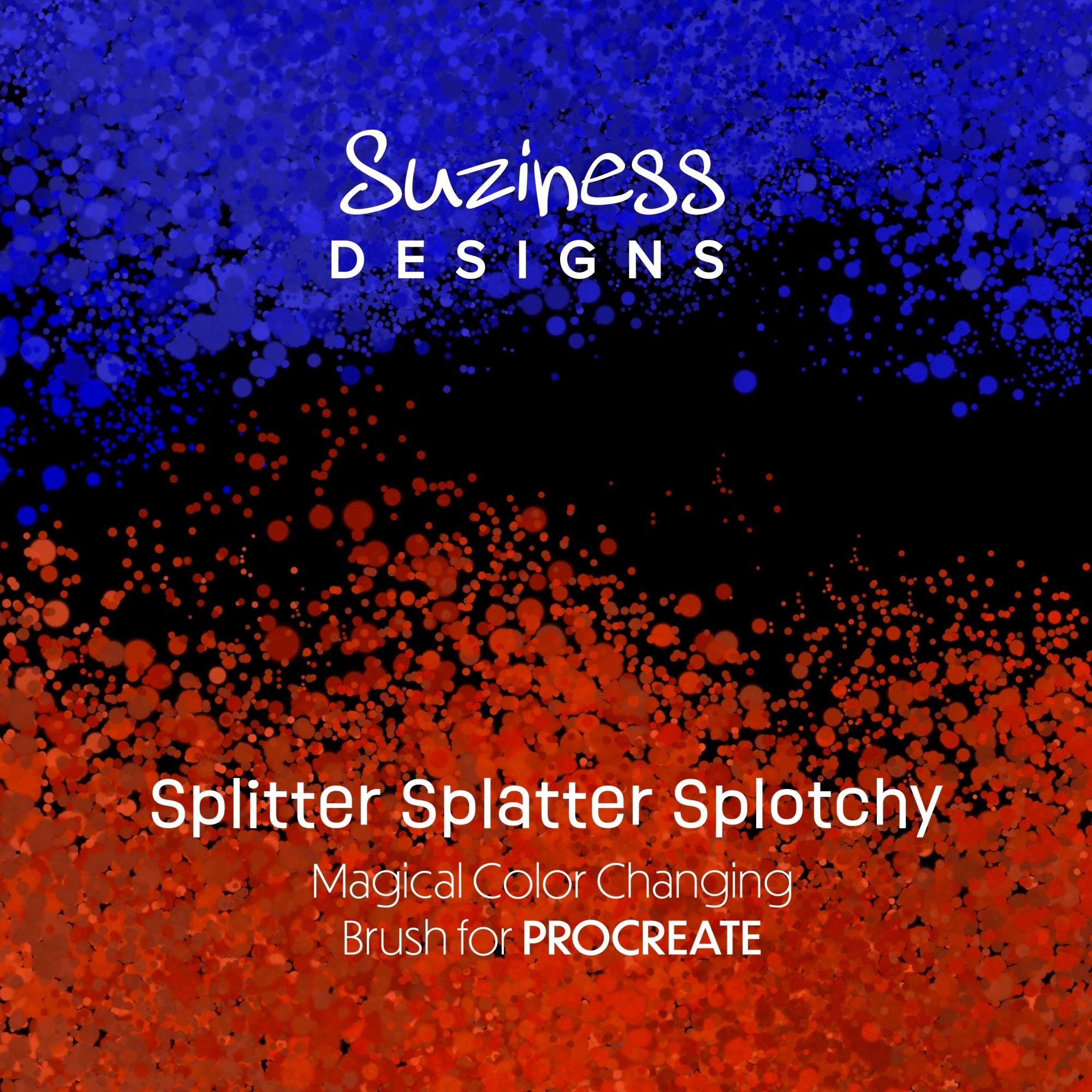
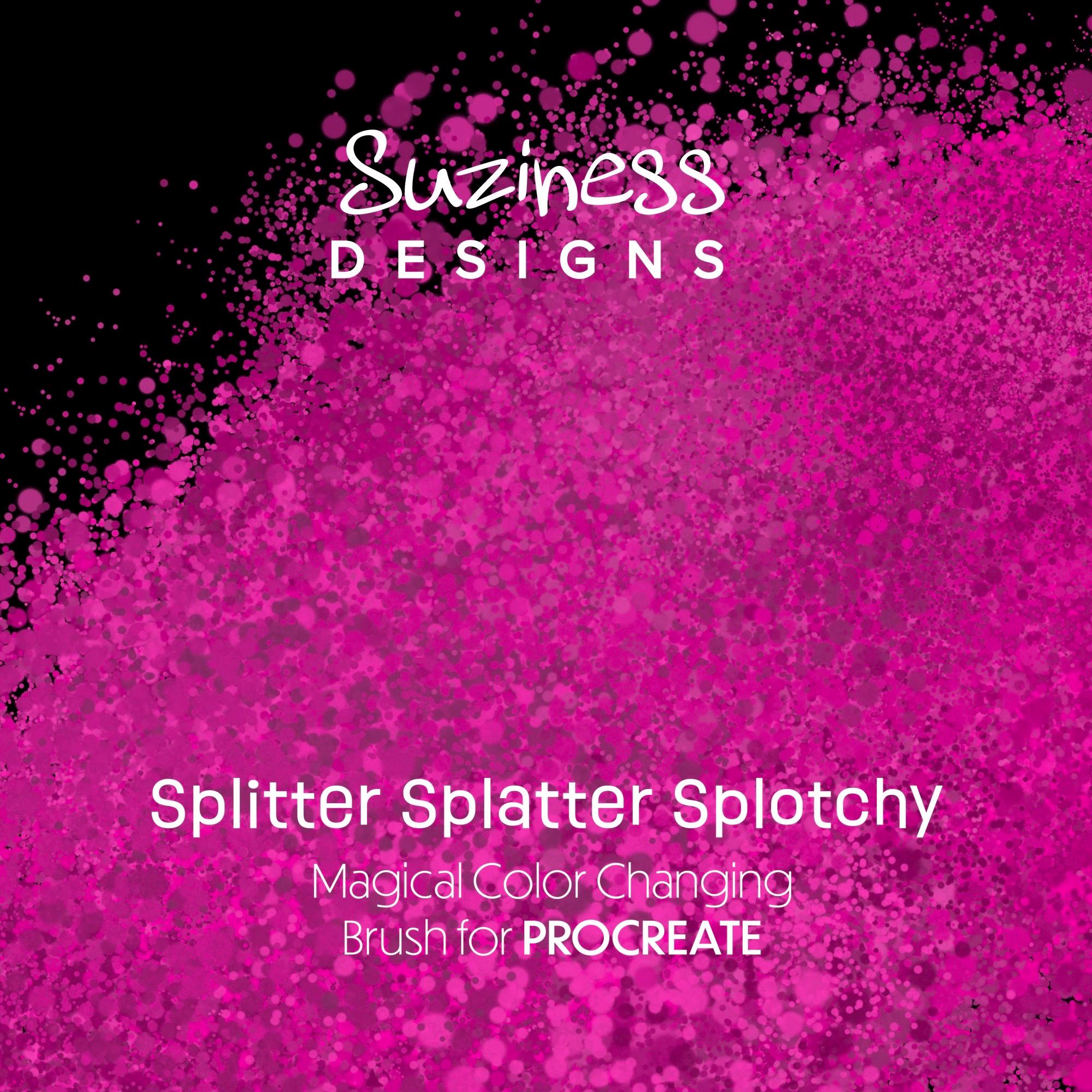
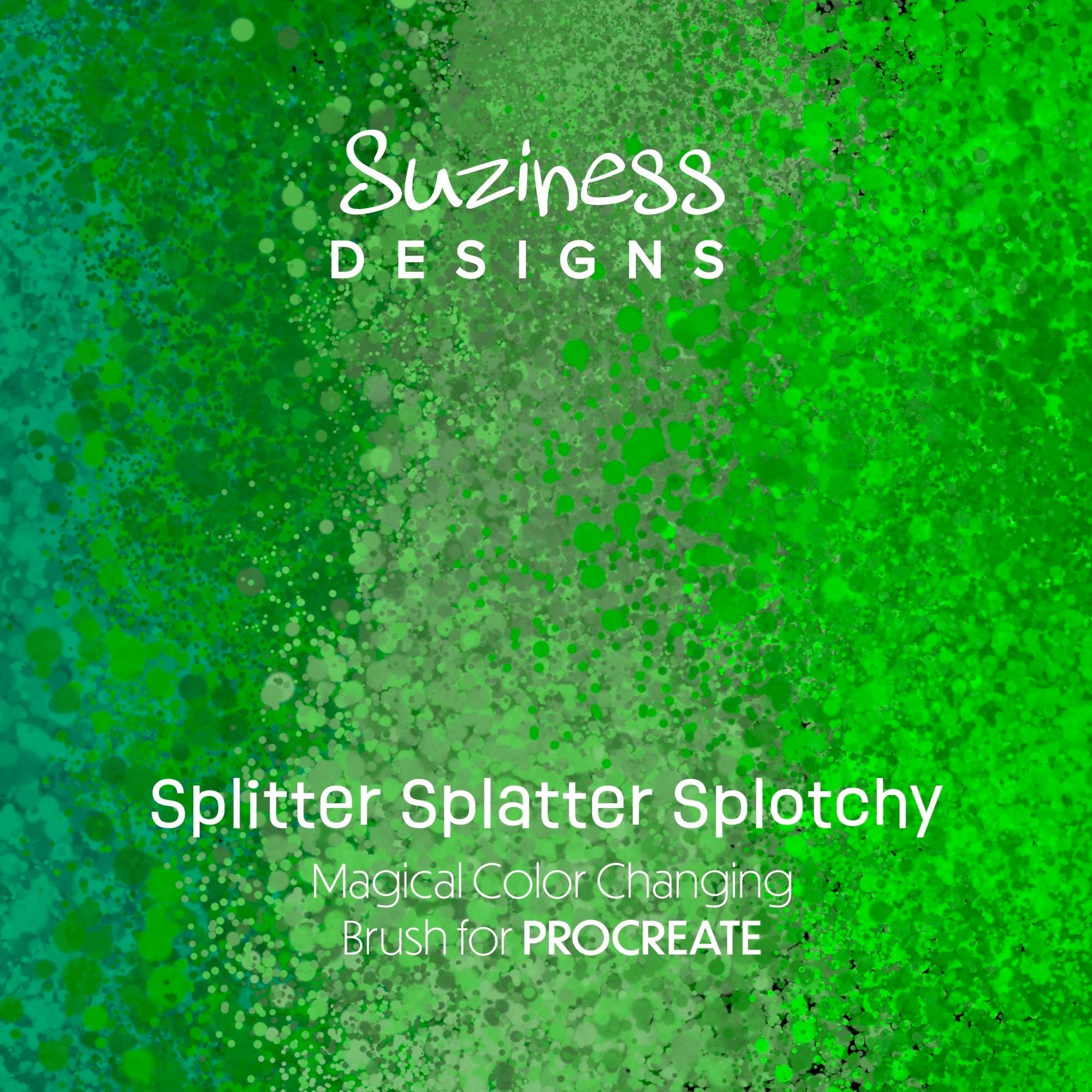
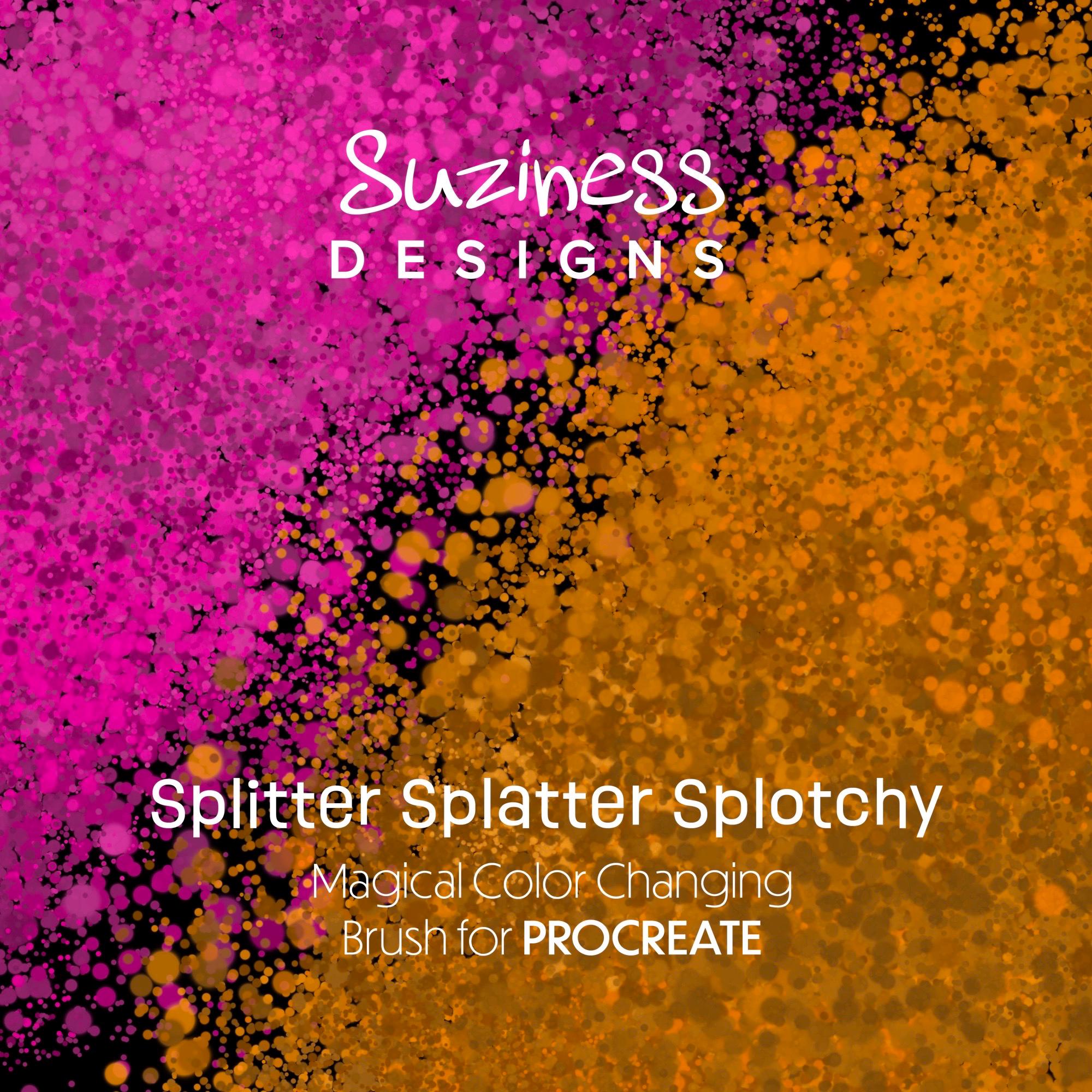
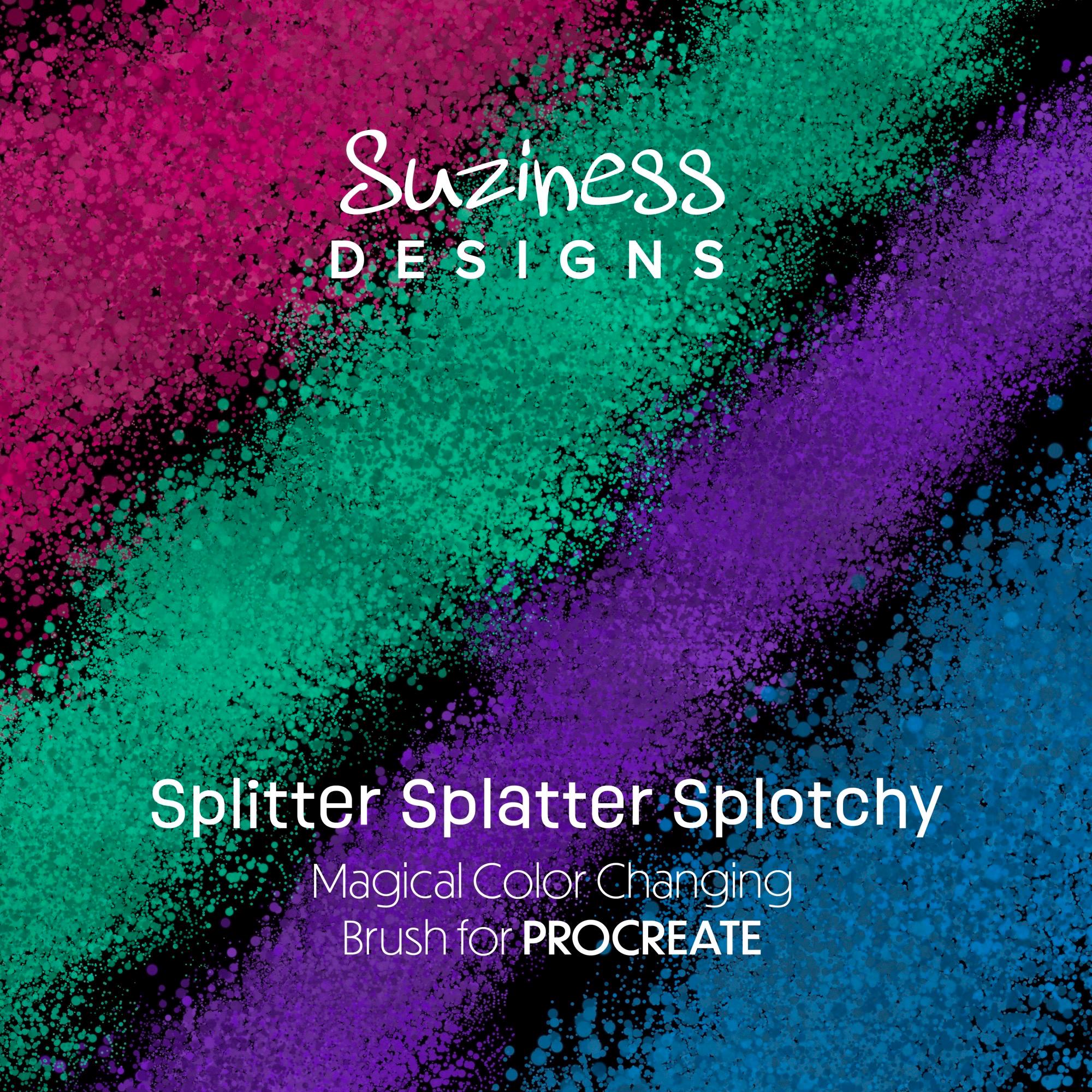
Add instant grungy magic to your artwork with this color-shifting splatter brush for Procreate. Splitter Splatter Splotchy lays down a spray-paint style splatter that automatically shifts through tonal variations of your chosen color, creating effortless depth, texture, and mood in a single stroke.
Perfect for:
- Edgy backgrounds and overlays
- Urban, street-art, and grunge designs
- Illustration shading and atmosphere
- Lettering textures and mixed media looks
What’s Included:
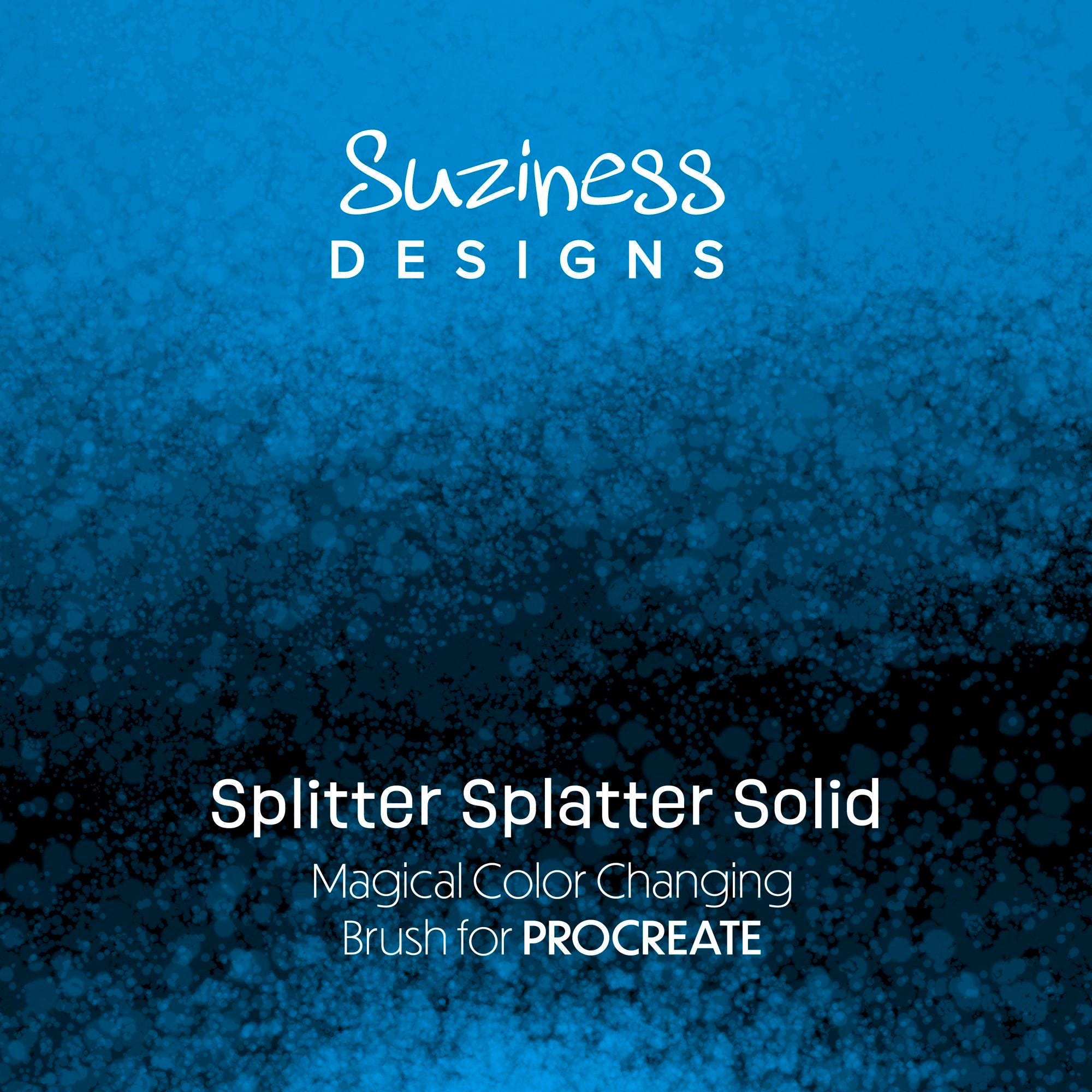
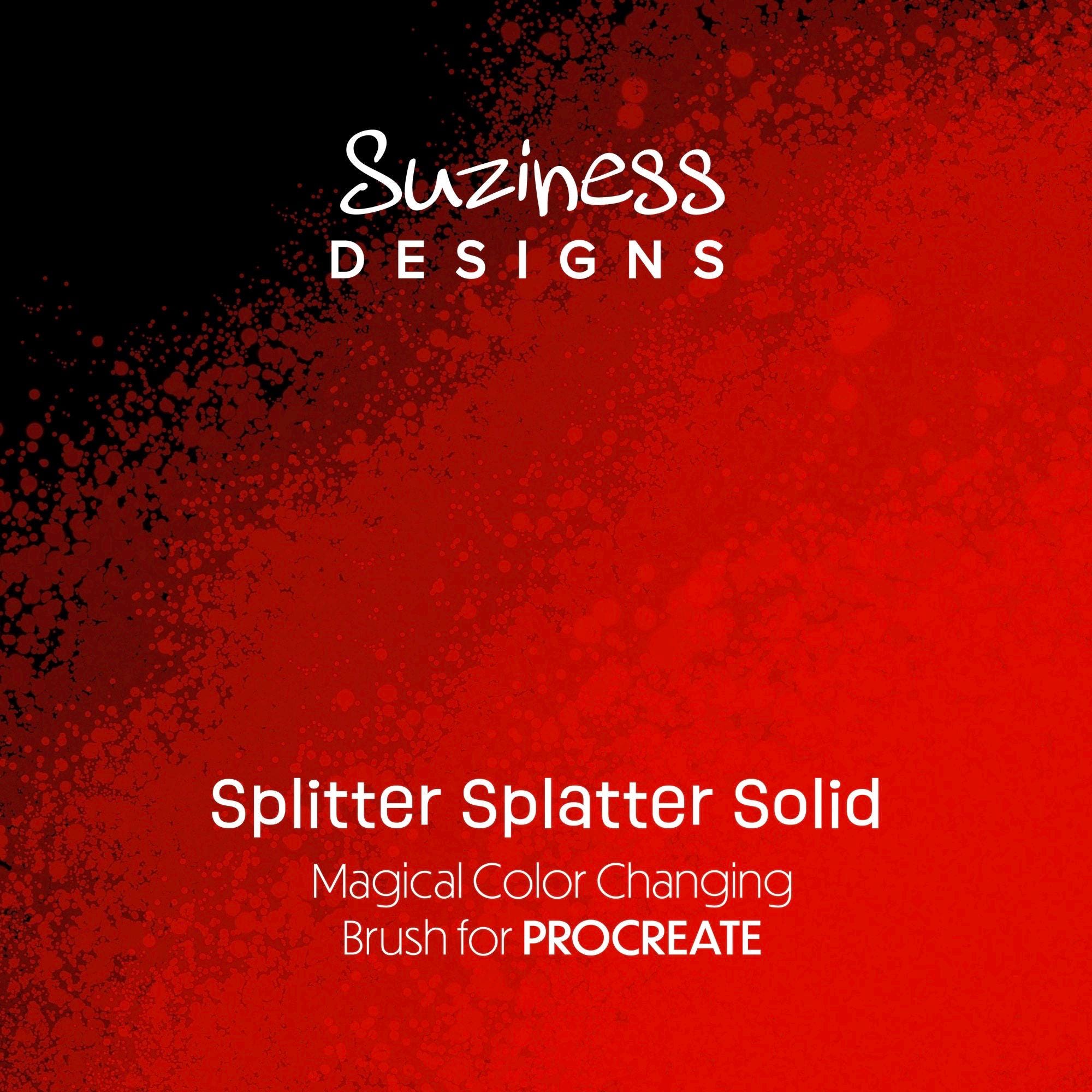
As a bonus, you also get the Splitter Splatter Solid brush as a bonus. It has the same splattery feel, but stays on the exact color you choose in Procreate, so you can build gradients, add shadows, and fill areas with solid color.
What you get
A 2‑brush mini bundle :
1. Splitter Splatter Splotchy (Magical Color-Shifting Splatter Brush)
Color‑changing splatter effects
Each stroke = new coordinated color combo tuned to a surprise palette
2. Splitter Splatter Solid (Bonus Brush)
One solid color only – no shifting
Matches the splatter style of your main brush
Perfect for gradients, shading, and coverage by adjusting opacity and layering
Brush Details:
- Monochrome tonal effect: Each stroke reacts to the color you pick, generating subtle light and dark variations for a natural, splotchy look.
- Spray paint / splatter feel: Great for distressed, concrete, and gritty textures.
- High resolution: Designed for professional use in print or digital projects.
- Pressure-sensitive: Works beautifully with Apple Pencil for organic, varied splatters.
Requirements:
- iPad
- Procreate (latest version recommended)
- Apple Pencil or compatible stylus
- Basic knowledge of importing brushes into Procreate
How to Use:
1. Download the .brush file after purchase.
2. Tap the file on your iPad to import it directly into Procreate.
3. Open Procreate and look for Splitter Splatter Splotchy in your Brush Library.
4. Choose a base color, then paint and layer strokes to build rich, tonal splatter textures.
Perfect For:
- Surface pattern design and backgrounds
- Social media graphics and poster art
- Digital scrapbooking and journaling
- Lettering, logos, and branding with an urban edge
Terms of Use:
- For personal and commercial use in your flattened end products (art, prints, graphics, etc.).
- You may not resell, share, or redistribute the brush file itself.
If you have any questions or need help installing your brush, send me a message and I’ll be happy to help.
Digital downloads
Your files will be available to download once payment is confirmed.